Upscale images 4× for free
Upscale images 4× with AI right in your browser—free, with no uploads.
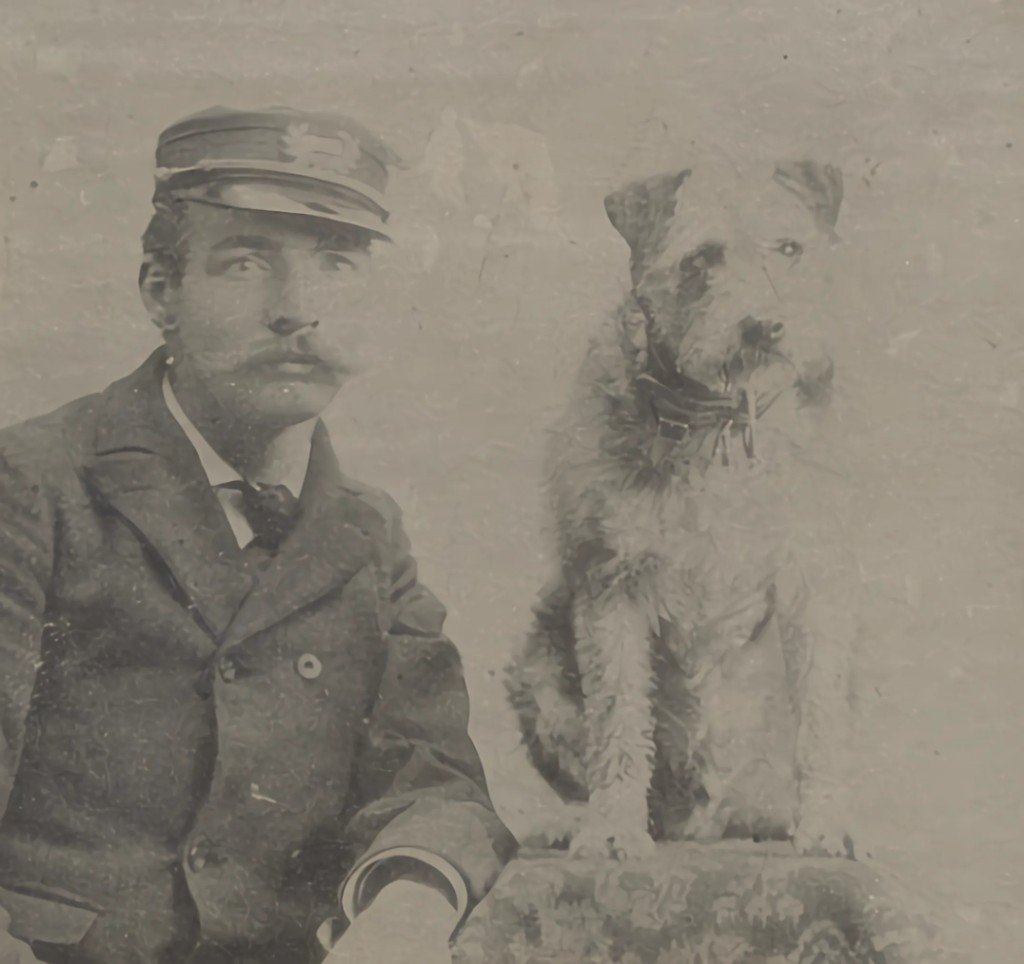
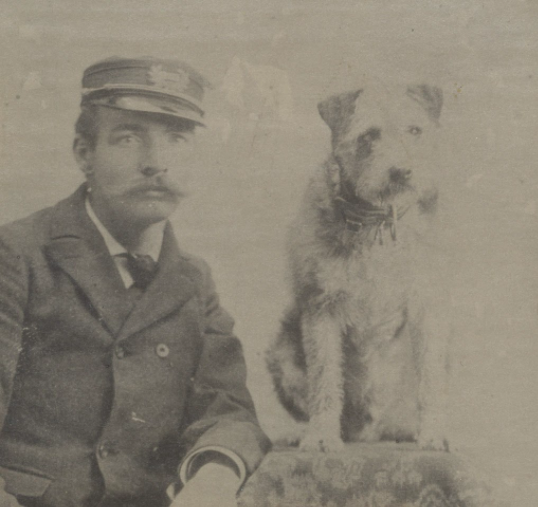
How to use
- 01
Upload an image
Drag a file, pick one, or paste a URL. PNG, JPG, and WebP.
- 02
Upscale in the browser
AI enhances the image 4× on your device. Nothing is uploaded.
- 03
Download the result
Compare with the slider and save as PNG or WebP.
What can you upscale?
Guides by intent: enlarge photos, make them HD, or apply 4× super-resolution.
Why EscalaImagen
Free
No credits, no watermark. Upscale as many as you need.
Private
Processed in your browser. The photo never leaves for a server.
No sign-up
Open the page and start. No account, no friction.
Sharp 4×
Super-resolution that recovers detail—not just stretched pixels.
Frequently asked questions
Are my photos uploaded?
No. Everything runs in your browser. The image never leaves your device.
Is it free?
Yes. No credits, no account, and no watermark.
How much does it upscale?
A fixed 4× with super-resolution: it rebuilds detail, not just stretches pixels.
Which formats are supported?
Input PNG, JPG, and WebP. Download as PNG or compressed WebP.
Do I need to register?
No. Open the page, upload the image, and download the result.
Which browser do I need?
A modern browser (recent Chrome, Edge, Firefox, or Safari). WebGPU speeds things up when available.
Can I use the result commercially?
Yes. The upscaled image is yours. Also respect the rights of the original photo.
Is there a size limit?
Very large images are processed in tiles. On phones, huge photos may be slower due to memory.